Free AI Caption Generator
AI Caption Generator for Videos, Beautiful by Default
Upload a video and get word-perfect captions styled to look designed, not defaulted. Curated fonts, colors, and motion are applied automatically, so your first export already looks like the finished product.
Create in your browser. Start for free.
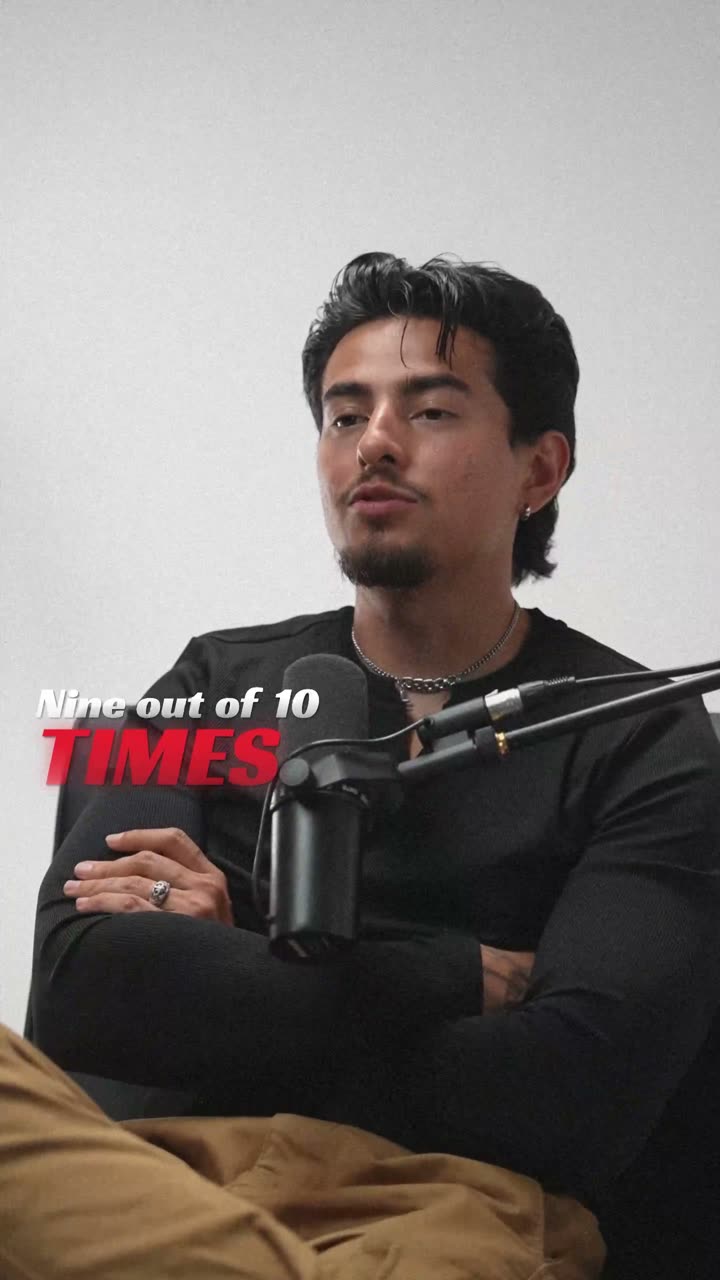
A style for your story
Curated fonts, color, and motion
99+
Languages
13+
Caption styles
Word-level
Timing accuracy
Up to 4K
Export quality
From upload to export
Your video, ready in three steps
01
Upload your video
Drop in any MP4, MOV, or WebM. Your video never leaves the browser; only the audio is sent for AI transcription and deleted right after.
02
AI generates your captions
Speech recognition transcribes every word with precise timestamps in any of 99+ languages, then a curated caption style is applied automatically.
03
Style and export
Fine-tune fonts, colors, and animation if you want, or export straight away. Clean MP4 up to 4K, ready for Shorts, Reels, and TikTok.
A better starting point
A caption generator that skips the ugly first draft
Most caption generators dump white text in a box and leave the design to you. VideoCaptions.AI works the other way around: every caption starts from a curated style, with fonts, colors, sizing, and motion that were designed to look good together. You get captions that feel intentional without touching a single setting.
Under the hood, cloud AI transcription captures word-level timestamps, so each word appears exactly when it is spoken. That timing powers karaoke highlights, pop-in words, and build animations that static caption makers cannot do.
It runs entirely in your browser. There is nothing to install, exports are clean MP4s on every plan, and the free tier is enough to caption real videos, not just a trailer of the paid product.
Why creators pick this caption generator
Beautiful by default
Curated styles with fonts, colors, and motion designed to work together. The first export already looks finished.
Word-level timing
AI transcription timestamps every word, so text appears exactly when it is spoken. Karaoke and pop styles depend on it.
99+ languages
English, Spanish, Hindi, Hinglish, Arabic, and 95 more, with right-to-left scripts rendered correctly.
Built for vertical
9:16 native for Shorts, Reels, and TikTok, with text kept inside each platform's safe area.
Private by design
Your video stays in your browser. Only the audio is processed in the cloud for transcription, then deleted.
Clean exports
MP4 up to 4K with no watermark on any plan, ready to upload anywhere.
Beautiful by default
The right words. A look that's yours.
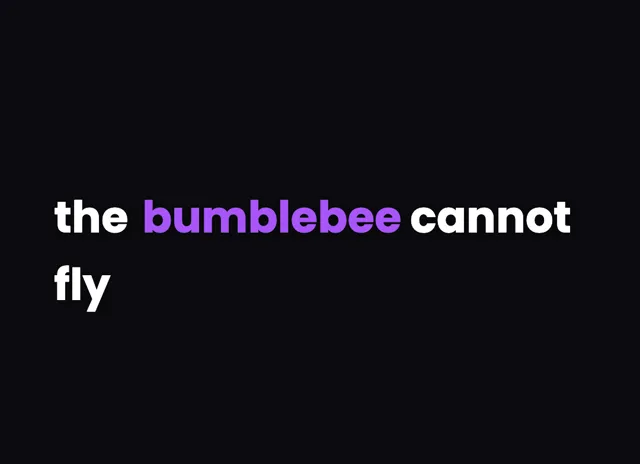
Keep it clean
Let the words do the talking.
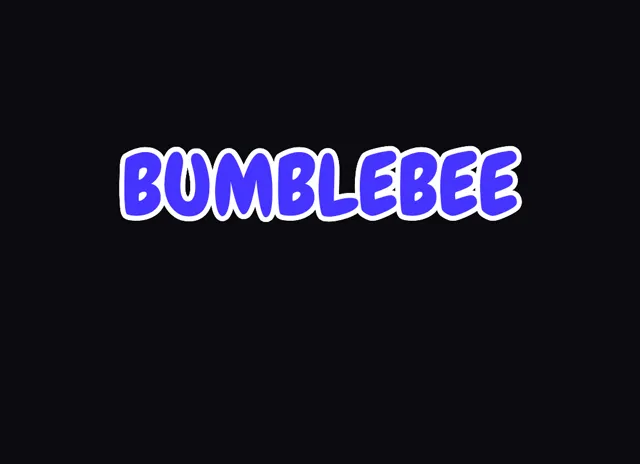
Make a statement
Bold type for your biggest moments.
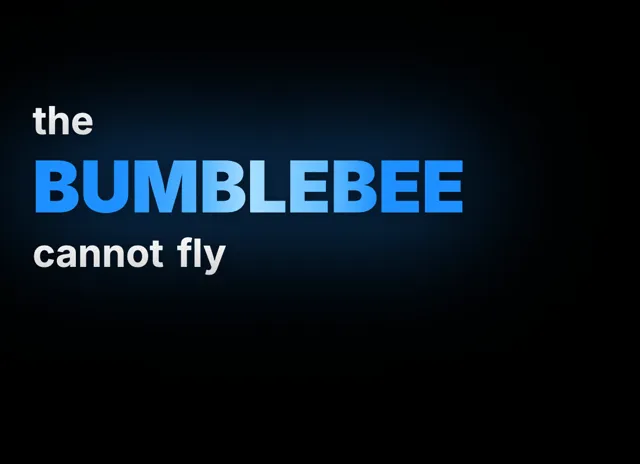
Give words presence
Emphasis that brings your story to life.
Style examples shown in English. Choose a font that supports your video's language.
Auto captions with word-level timing
This is an auto caption generator in the strict sense: you do not type anything. AI speech recognition listens to your audio and produces a word-by-word transcript with timestamps accurate to the syllable. Every word knows exactly when it is spoken, which is what makes karaoke highlighting, one-word pop captions, and staggered build animations possible; tools that only caption line by line simply cannot animate at the word level. That timing survives every edit you make. If the AI mishears a name, a brand, or a technical term, click the word and correct the text; the timestamp stays locked to the audio, so your fix never knocks the captions out of sync. The result is broadcast-tight timing with none of the manual syncing work.
What the free caption generator includes
The free plan is a real tool, not a demo. Signing up gives you welcome credits that cover genuine transcription time, and with them you get every caption style, the full visual editor, and clean MP4 export with no watermark. Nothing about the output is degraded on the free tier: same styles, same renderer, same export quality. Paid plans exist for scale rather than for unlocking basics; they add longer videos, more monthly transcription minutes, higher resolution exports, more projects, and more storage. That structure is deliberate. You should be able to caption real videos, publish them, and see the results before deciding the tool is worth paying for, not judge it from a locked-down preview.
Captions for every platform and format
Vertical 9:16 for TikTok, Reels, and YouTube Shorts is the default, with caption styles sized for small screens and fast scrolling thumbs. Captions are positioned inside each platform's safe area automatically, clear of UI elements like the like button, the description overlay, and the progress bar, so nothing important gets covered when you publish. Font sizes, line lengths, and word counts per page are tuned for phone screens at arm's length rather than desktop monitors. Working on landscape YouTube videos, podcast clips, testimonial edits, or product demos instead? The same generator handles those formats too, and the use-case pages collect the styles and settings that work best for each kind of content.
Closed captions, open captions, and accessibility
The captions this tool produces are open captions: burned into the video so they display everywhere, on every platform and in every player, with your styling fully intact. That makes them platform-proof; they survive reposts, downloads, embeds, and platforms that strip or restyle caption files. It also makes them an engagement tool, since a large share of social video is watched on mute and viewers scroll past anything they cannot follow silently. Captions matter for accessibility too: they are essential for deaf and hard-of-hearing viewers and help non-native speakers follow fast speech. If you are weighing burned-in open captions against a separate closed caption file that viewers can toggle, the glossary entries linked below break down exactly when each approach is the right call.
Is the caption generator really free?
Yes. Signing up gives you welcome credits that cover real transcription time, and exports are clean MP4s with no watermark on every plan including free. Paid plans exist for longer videos and higher volumes, not to unlock the basics.
How accurate are the AI captions?
Cloud AI speech recognition is highly accurate on clear speech, including accents, and returns word-level timestamps. Names, niche jargon, and heavy background music can cause occasional misses, and the editor makes those a one-click fix.
Which languages does it support?
The AI transcribes 99+ languages, including English, Spanish, Portuguese, Arabic, Hindi, and Hinglish with automatic Roman-script transliteration. Right-to-left scripts render correctly, and each language has its own page covering accuracy notes and recommended styles.
Can I edit the captions after they are generated?
Yes. Every word is editable: fix text, retime words, change fonts, colors, sizes, positions, and animation styles. Captions start from a curated style, so editing is optional polish rather than required cleanup.
How do I add the captions to my video?
They are burned directly into the exported MP4, so nothing extra is needed. Upload the export to TikTok, Instagram, YouTube, or anywhere else and the captions display exactly as styled.
What video formats can I upload?
MP4, MOV, and WebM all work. The editor runs in your browser, and your video file stays on your device; only the audio track is processed in the cloud for transcription, then deleted.
Does it work for YouTube Shorts, TikTok, and Reels?
Yes, vertical 9:16 is the native format here. Caption styles are sized for mobile viewing and positioned inside each platform's safe area, so your text never collides with the like button, description, or progress bar after you publish.
Your next video starts here
Try the caption generator on your next video
Beautiful captions. Your words, your style.
Keep exploring