Captions in Kannada
Kannada captions, beautifully done.
Give your Kannada videos rounded, beautifully styled captions that need zero manual design work.
Create in your browser. Start for free.
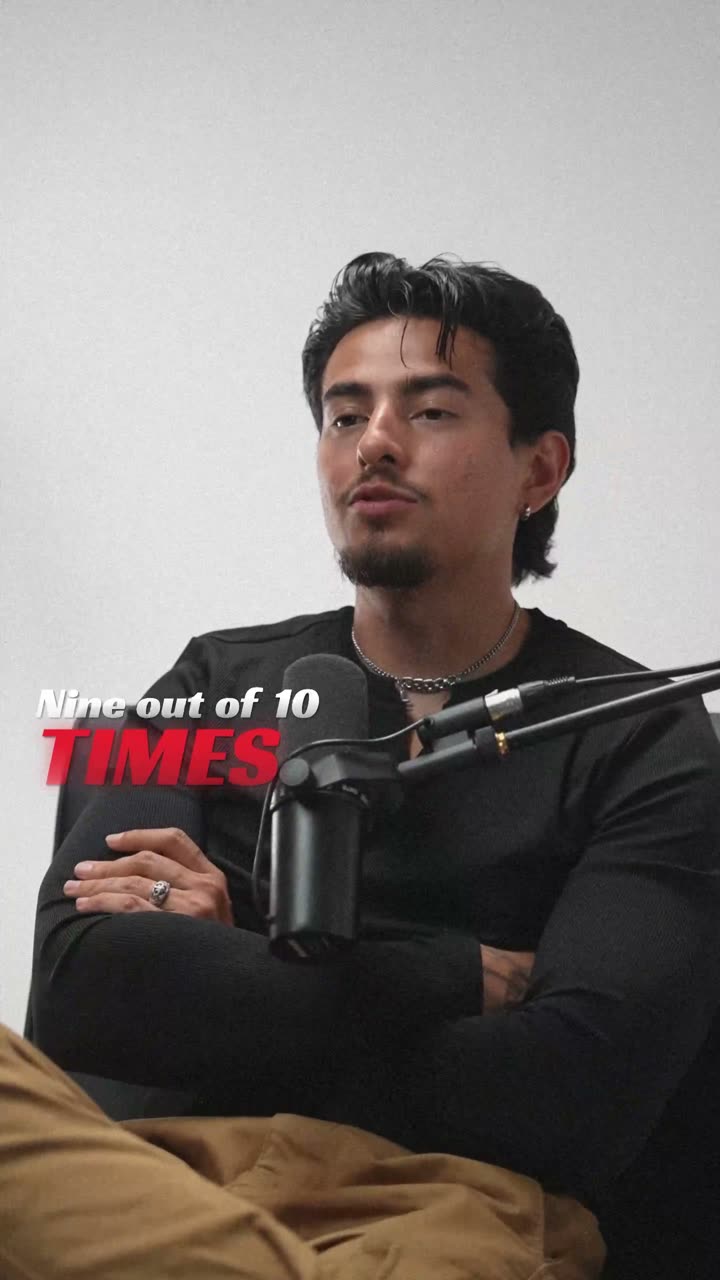
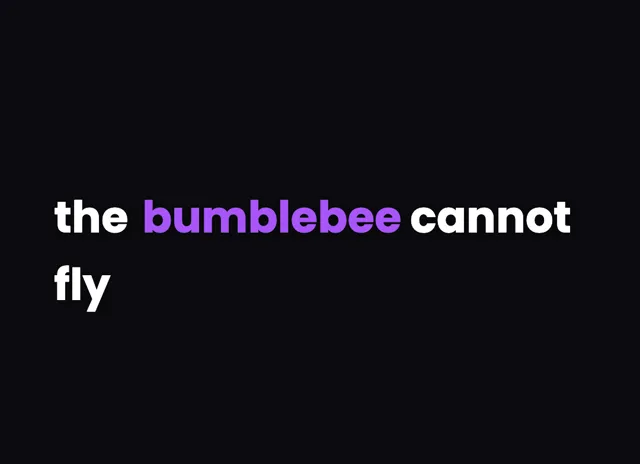
A style for your story
Curated fonts, color, and motion
From spoken words to styled captions
How to add Kannada captions
01 / Upload
Start with your video
Open the editor and upload the video you want to caption. Choose Kannada for transcription.
02 / Make it yours
Review and choose a style
Review the generated words, correct the details, and choose a caption style that fits your story.
03 / Share
Export your captioned video
Preview the timing and placement, then export your video with the captions included.
Made for your language
Kannada
ಕನ್ನಡ
For Instagram Reels, YouTube
Transcription and timing
Kannada audio is transcribed by cloud AI, returning accurate word-level timing in the Kannada script.
Getting the script right
Kannada is a rounded South Indian script where vowel signs and subscript conjuncts curl around a base letter.
Beautiful by default
The right words. A look that's yours.
Keep it clean
Let the words do the talking.

Make a statement
Bold type for your biggest moments.
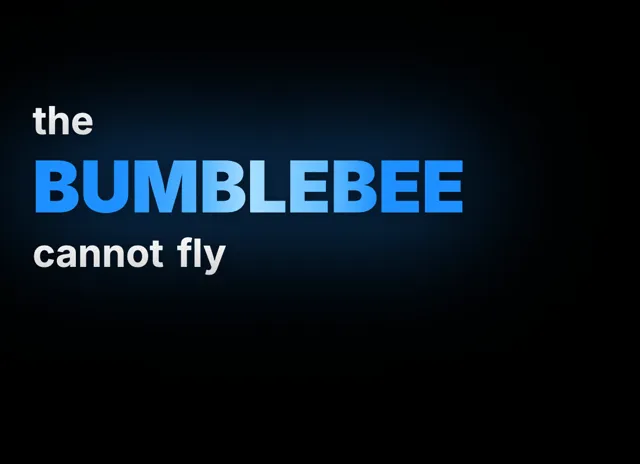
Give words presence
Emphasis that brings your story to life.
Style examples shown in English. Choose a font that supports your video's language.
Why Kannada creators lean on captions
Bengaluru is one of India's busiest content hubs, and Kannada creators there and across Karnataka post tech reviews, comedy, film reactions, and vlogs to Instagram Reels and YouTube every day. With so much competition in the feed, captions are what stop a muted scroll and keep viewers watching.
Kannada conversation blends easily with English, especially in tech and startup content, producing lines like 'ಈ app ತುಂಬಾ useful ಆಗಿದೆ'. On-screen captions capture that switch so English product names and Kannada narration stay together.
Captions also open your work to Kannada learners and to viewers who prefer reading. With videocaptions.ai the styling is beautiful by default, so your Kannada videos look designed and professional from the very first second.
How the cloud AI reads Kannada conjuncts
After you upload, only the audio track is sent to our cloud AI for transcription with accurate word-level timing, then deleted. All editing and MP4 export happen locally in your browser, so nothing else leaves your device.
Kannada is a rounded, flowing script, and its complexity lies in the subscript conjuncts, the vottaksharas that hang beneath a base consonant. The renderer keeps those subscripts and their vowel signs correctly stacked, so a word like ಕನ್ನಡ shows its conjunct cleanly rather than as separate boxes.
Vowel signs that wrap around the letter, along with the arkavattu, stay anchored as each word animates in. Because the timing is per word, every Kannada word appears exactly when spoken, keeping captions tightly in sync.
Styling Kannada captions so stacks stay clean
Kannada's rounded conjuncts stack downward, so give your captions extra line height to make room for vottaksharas below the baseline; a tight leading clips them and looks wrong. A clean, rounded font complements the script and stays legible on a phone.
Keep each caption to three or four words so those tall conjunct stacks never crowd the safe area of a vertical video. For tech explainers and reactions, the Build behavior reveals words one by one, while Karaoke highlighting suits Kannada film songs and covers.
Use Spotlight to emphasize a feature name or punchline in a larger size or accent color. With animated caption effects and curated color presets, your Kannada captions look polished immediately, and you can export MP4 up to 4K.
Can it caption Kannada mixed with English?
Yes. The cloud AI handles code-switching well, so a line like 'ಈ app ತುಂಬಾ useful ಆಗಿದೆ' transcribes in one pass with accurate word timing. English product names and Kannada narration stay together, and you can fix anything in the editor before export.
Do Kannada conjuncts and vottaksharas render correctly?
They do. The renderer stacks subscript conjuncts beneath their base consonant and keeps wrapping vowel signs anchored, so words like ಕನ್ನಡ and ಬೆಂಗಳೂರು display cleanly. You will not see broken boxes, detached vowel signs, or misplaced arkavattu marks in your captions.
What is the price for Kannada captioning?
New accounts receive 200 welcome credits at signup to try transcription, styling, and export. After that, the Creator plan costs $7.99 per month and the Studio plan costs $17.99 per month, both billed monthly with high-resolution MP4 export included.
Which caption style fits Kannada tech videos?
For tech reviews and explainers, the Build behavior reveals words one at a time so viewers absorb each point. For film songs and covers, Karaoke highlighting tracks the active word, and Spotlight lifts a feature name or key term in your accent color.
Can I download an SRT file for Kannada?
Yes. Beyond MP4 export up to 4K, paid plans let you export a standard SRT subtitle file. That is handy for uploading a separate Kannada subtitle track to YouTube or reusing the same transcript in other editing tools and platforms.
Your next video starts here
Start Creating Kannada Captions
Beautiful captions. Your words, your style.
Keep exploring