Captions in Russian
Russian captions, beautifully done.
Cyrillic captions with AI-powered precision. The cloud AI transcribes Russian speech with word-level accuracy.
Create in your browser. Start for free.
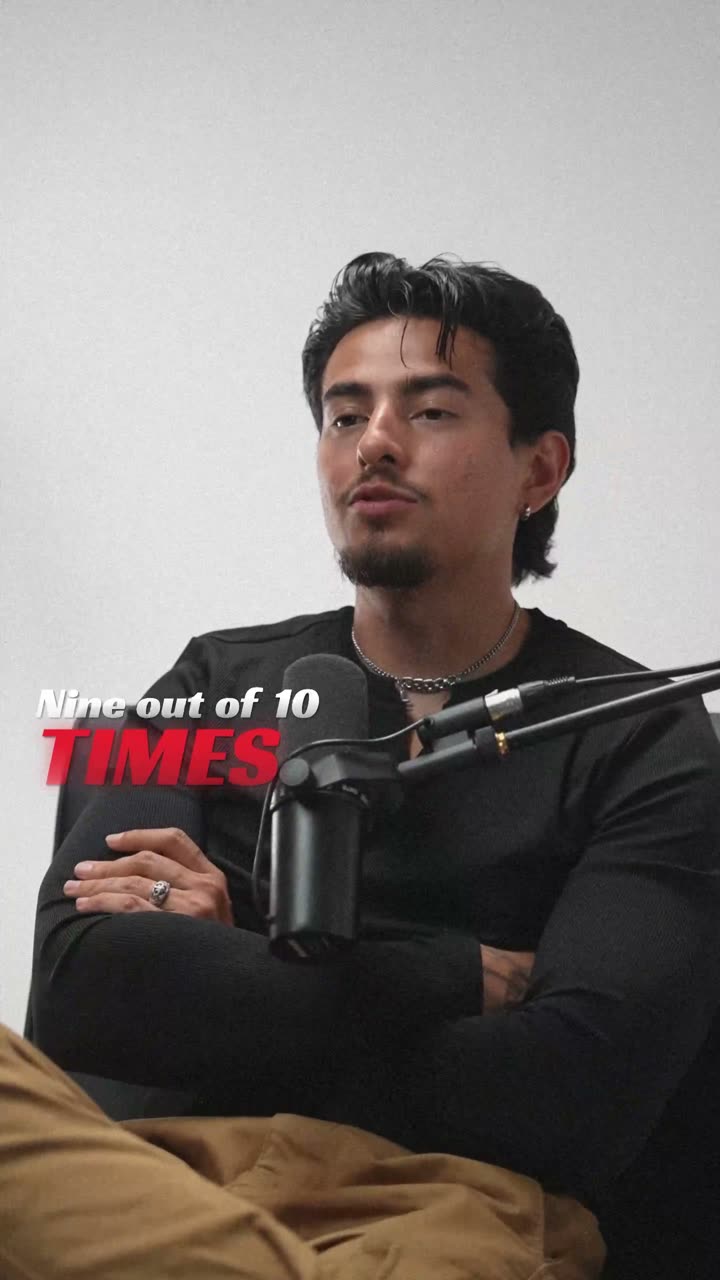
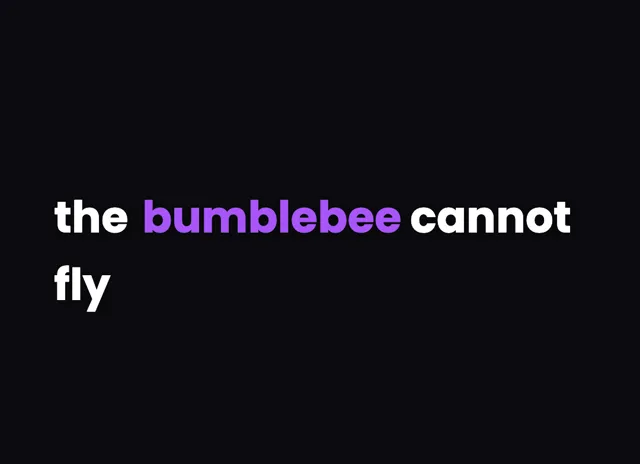
A style for your story
Curated fonts, color, and motion
From spoken words to styled captions
How to add Russian captions
01 / Upload
Start with your video
Open the editor and upload the video you want to caption. Choose Russian for transcription.
02 / Make it yours
Review and choose a style
Review the generated words, correct the details, and choose a caption style that fits your story.
03 / Share
Export your captioned video
Preview the timing and placement, then export your video with the captions included.
Made for your language
Russian
Русский
For YouTube, VK, TikTok, Telegram
Transcription and timing
Use the small model for best Russian accuracy. It handles Cyrillic output well and correctly captures Russian's complex stress patterns and reduced vowels.
Getting the script right
Russian uses Cyrillic script. The cloud AI outputs Cyrillic characters natively with correct rendering of all 33 letters.
Beautiful by default
The right words. A look that's yours.
Keep it clean
Let the words do the talking.
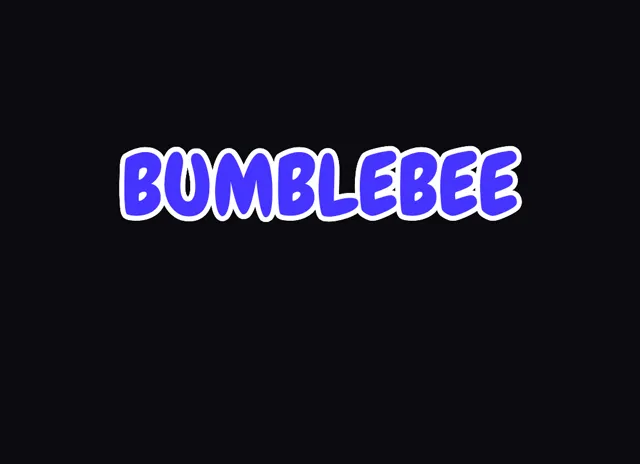
Make a statement
Bold type for your biggest moments.
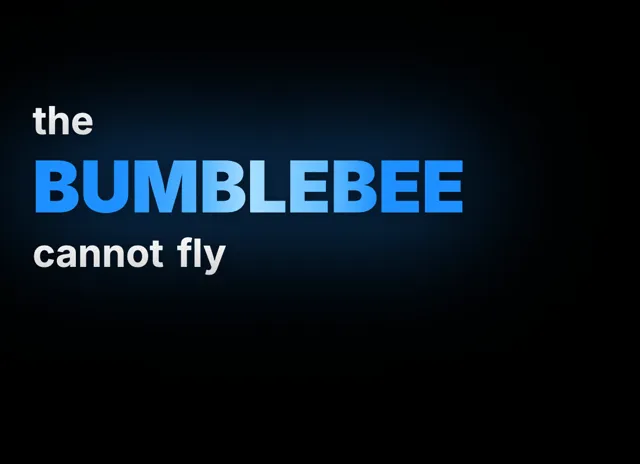
Give words presence
Emphasis that brings your story to life.
Style examples shown in English. Choose a font that supports your video's language.
Russian Captions for One of the World's Largest Online Audiences
Russian is spoken by over 250 million people worldwide and is the most spoken language in Europe by native speaker count. Russia has a massive internet audience, with YouTube being the dominant video platform, it is the most popular social media platform in the country. Russian-language content also thrives on VK, the leading domestic social network, and TikTok, which has seen explosive growth among Russian-speaking creators. The Russian-speaking audience extends well beyond Russia itself, encompassing significant communities in Ukraine, Belarus, Kazakhstan, the Baltic states, Israel, Germany, and the United States. Adding Russian captions to your videos taps into this enormous global audience. Russian viewers, like audiences everywhere, increasingly consume content on mobile devices without sound, making captions essential for engagement. Educational content, tech reviews, entertainment, and gaming are particularly popular categories in the Russian-language internet. For creators targeting Russian-speaking audiences, Cyrillic captions are a non-negotiable requirement that signals professionalism and respect for the audience.
Cyrillic Script and Russian Speech Patterns in the Cloud AI
Russian uses the Cyrillic alphabet with 33 letters, including several characters unique to Russian like ы, э, and ъ. Cloud AI outputs Cyrillic characters natively and handles the language's complex phonological features well. Russian has a free stress system where stress can fall on any syllable and moves between word forms, causing unstressed vowels to reduce, a phenomenon called vowel reduction that can make words sound quite different from their spelling. The cloud AI navigates this challenge using its language model to produce correctly spelled Cyrillic output regardless of pronunciation variation. Russian's rich morphology, with six grammatical cases, three genders, and complex verb conjugation, means words appear in many forms, and the cloud AI handles these variations accurately. After transcription, the visual editor supports full Cyrillic input for corrections. Russian works excellently with the flash caption category, where text appears as complete phrases, because Russian sentences often front-load information differently than English and benefit from being displayed as whole units that viewers can process naturally.
Does the cloud AI output Russian in Cyrillic script?
Yes. Cloud AI outputs Russian in Cyrillic natively, including all 33 letters of the Russian alphabet. Characters like ы, щ, ъ, and ь are all rendered correctly. The output is properly spelled Russian text with accurate word boundaries and punctuation.
How accurate is Russian transcription?
Cloud AI provides strong Russian transcription accuracy. It handles vowel reduction, complex morphology, and Cyrillic character selection well, even in natural conversational Russian. You can correct any misheard words in the visual editor afterward.
Can I caption Russian content for YouTube?
Yes. YouTube is the most popular video platform for Russian-speaking audiences. Export at 16:9 for standard YouTube or 9:16 for YouTube Shorts. Burned-in Cyrillic captions are more reliable than YouTube's auto-generated Russian subtitles.
Does the cloud AI handle Russian accents from different regions?
The cloud AI handles standard Russian pronunciation well. Moscow and St. Petersburg accents achieve the best accuracy. Speech from Russian speakers in former Soviet states is also recognized, though heavy regional accents may need minor corrections in the visual editor.
Your next video starts here
Start Creating Russian Captions
Beautiful captions. Your words, your style.
Keep exploring