Captions in Spanish
Spanish captions, beautifully done.
The cloud AI handles both Latin American and Castilian Spanish, accurate captions in seconds.
Create in your browser. Start for free.

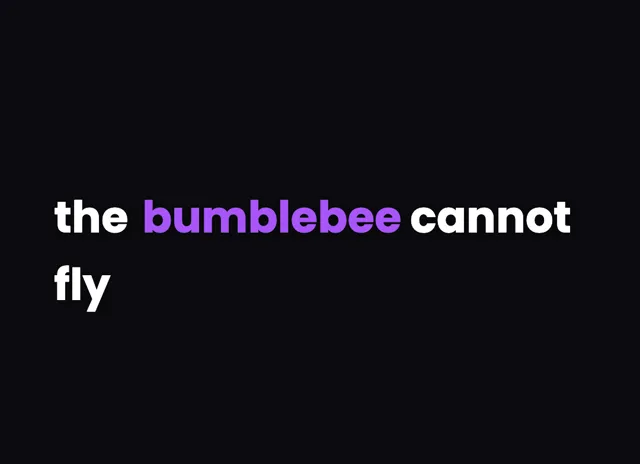
A style for your story
Curated fonts, color, and motion
From spoken words to styled captions
How to add Spanish captions
01 / Upload
Start with your video
Open the editor and upload the video you want to caption. Choose Spanish for transcription.
02 / Make it yours
Review and choose a style
Review the generated words, correct the details, and choose a caption style that fits your story.
03 / Share
Export your captioned video
Preview the timing and placement, then export your video with the captions included.
Made for your language
Spanish
Español
For TikTok, Instagram, YouTube
Transcription and timing
Cloud AI handles Spanish excellently. Latin American and Castilian accents are both well-supported.
Beautiful by default
The right words. A look that's yours.
Keep it clean
Let the words do the talking.

Make a statement
Bold type for your biggest moments.
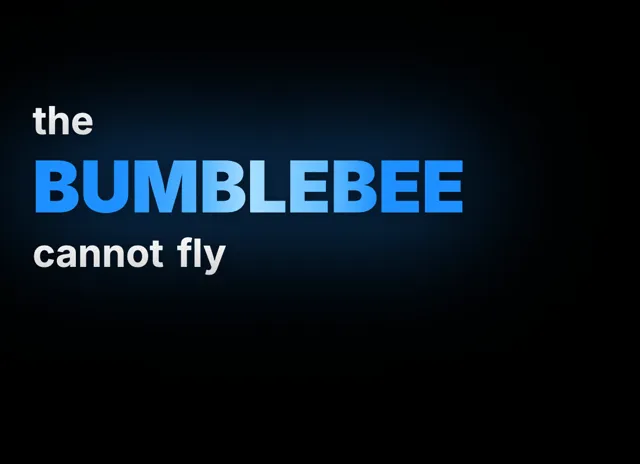
Give words presence
Emphasis that brings your story to life.
Style examples shown in English. Choose a font that supports your video's language.
Reaching the Spanish-Speaking World with Captions
Spanish is the fourth most spoken language globally, with over 500 million native speakers across more than 20 countries. For content creators targeting Spanish-speaking audiences, captions are not optional, they are essential for discoverability and engagement. Platforms like TikTok and Instagram heavily favor captioned content in their algorithms because it keeps viewers watching longer. Spanish-language content on YouTube has seen explosive growth, with watch time increasing year over year across Latin America and Spain. Adding captions also makes your content accessible to the millions of Spanish speakers who consume video in noisy environments or with sound off. Whether you create comedy sketches, educational tutorials, or product reviews, Spanish captions dramatically expand your potential reach across the Americas and Europe.
How VideoCaptions.AI Handles Spanish Accents
Cloud AI is built for multilingual audio, so it handles Spanish accent variation well. Mexican, Argentine, Colombian, and Castilian Spanish are all recognized accurately. It correctly transcribes regional vocabulary differences and handles the varying speeds of speech common across Spanish dialects. For creators who mix Spanish with English (Spanglish), the cloud AI detects language switches and transcribes each segment appropriately. It is fast and accurate for most Spanish content. After the cloud AI generates your captions, use the visual editor to fine-tune any regional terms or slang that might need adjustment. Then choose from animation effects to style your captions. The build category works particularly well for Spanish educational content, revealing words one by one as they are spoken.
Does the cloud AI support Latin American and European Spanish?
Yes. Cloud AI is built for diverse Spanish audio covering Mexican, Colombian, Argentine, Castilian, and other regional accents. It produces accurate transcriptions regardless of which Spanish dialect you speak, with proper handling of regional vocabulary differences.
Can I add Spanish captions to English videos?
Currently, VideoCaptions.AI transcribes the audio in your video as-is. If your video is in English, captions will be in English. For translated Spanish subtitles, transcribe your English audio first, then manually edit the text to Spanish in the visual editor while keeping the word timing.
What aspect ratios work for Spanish-language platforms?
VideoCaptions.AI supports 9:16 for TikTok and Instagram Reels, 16:9 for YouTube, and 1:1 for Instagram feed posts. Choose the aspect ratio that matches your target platform, and captions will be positioned optimally within that frame.
Is there a word limit for Spanish captions?
There is no word limit. VideoCaptions.AI handles videos of any length and automatically splits long transcriptions into timed scenes. You can adjust words per page from 1 to 12 to control how much text appears on screen at once, which is especially useful for longer Spanish phrases.
Your next video starts here
Start Creating Spanish Captions
Beautiful captions. Your words, your style.
Keep exploring