Captions in Hinglish
Hinglish captions, beautifully done.
The caption tool that handles Hindi-English code-switching the way you actually speak it, then makes it beautiful by default.
Create in your browser. Start for free.
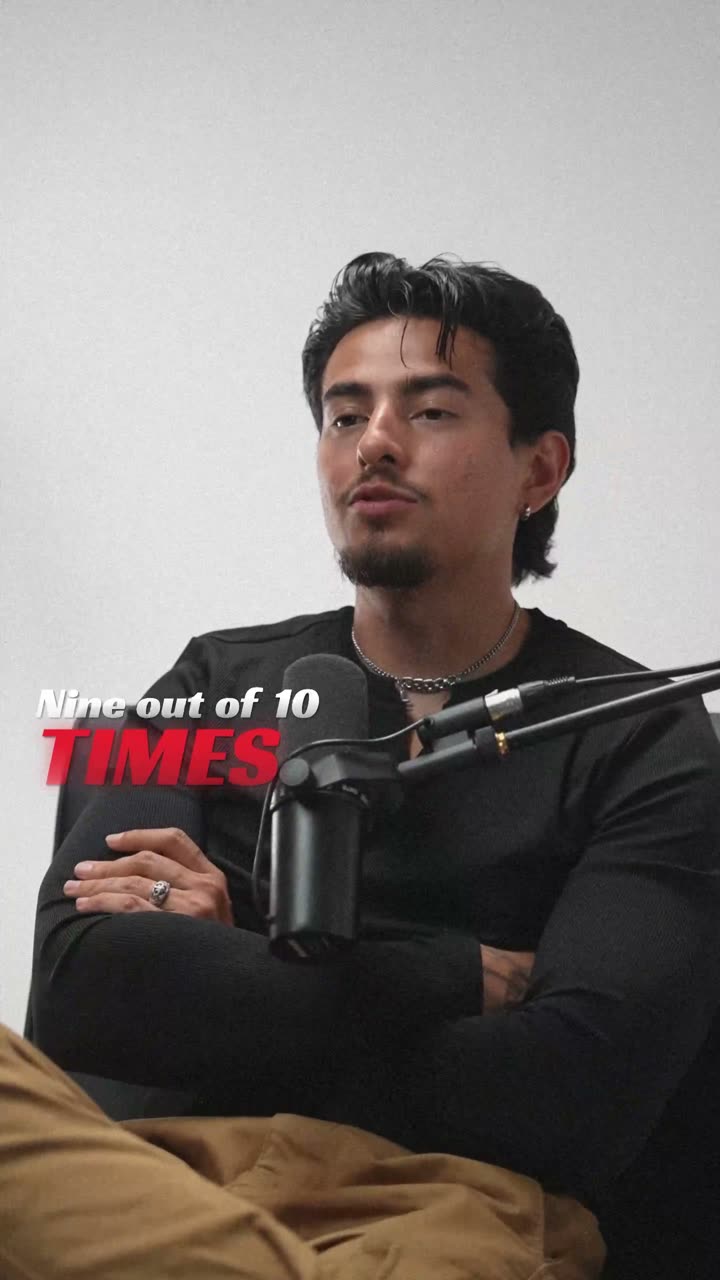
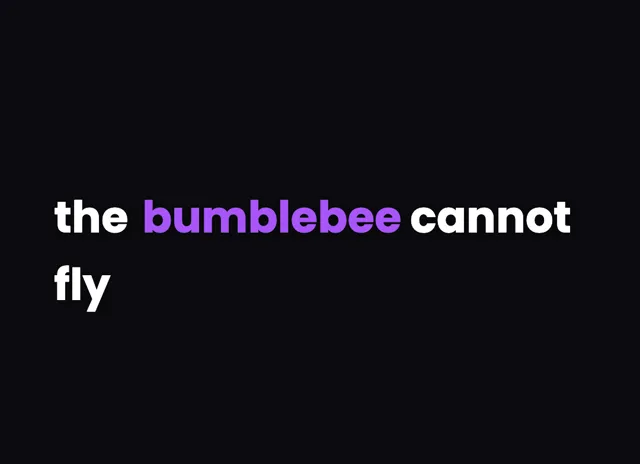
A style for your story
Curated fonts, color, and motion
From spoken words to styled captions
How to add Hinglish captions
01 / Upload
Start with your video
Open the editor and upload the video you want to caption. Choose Hinglish for transcription.
02 / Make it yours
Review and choose a style
Review the generated words, correct the details, and choose a caption style that fits your story.
03 / Share
Export your captioned video
Preview the timing and placement, then export your video with the captions included.
Made for your language
Hinglish
हिंग्लिश
For Instagram Reels, YouTube Shorts
Transcription and timing
Cloud AI transcribes Hindi-English code-switched speech with word-level timestamps, and the app can transliterate the Hindi portions to Roman script.
Getting the script right
Hinglish mixes Devanagari-script Hindi with Roman-script English, and can be shown fully in Roman script through automatic transliteration.
Beautiful by default
The right words. A look that's yours.
Keep it clean
Let the words do the talking.
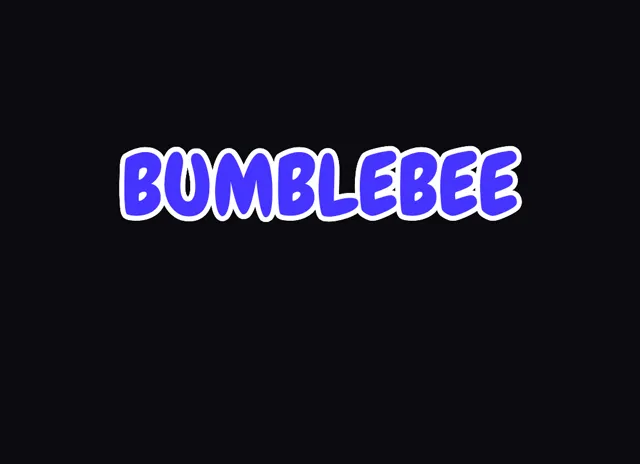
Make a statement
Bold type for your biggest moments.
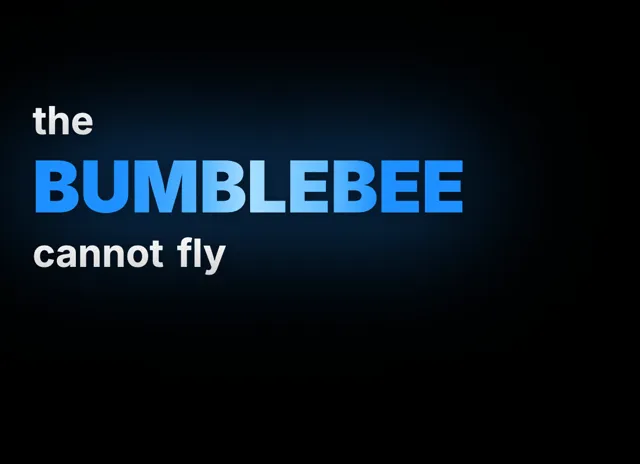
Give words presence
Emphasis that brings your story to life.
Style examples shown in English. Choose a font that supports your video's language.
Why Hinglish Is the Language of Indian Social Media
Hinglish, the seamless blend of Hindi and English, is how hundreds of millions of young Indians actually communicate online. It is not a formal language taught in classrooms but the organic way people text, comment, and create content across Instagram, YouTube, and WhatsApp. When creators speak naturally in their videos, they switch between Hindi and English mid-sentence without thinking about it. A line like "aaj main aapko ek simple trick batati hoon" is completely normal.
Traditional caption tools force you to pick one language, which produces garbled results when speech mixes both. VideoCaptions.AI transcribes with cloud AI, which was built on real-world multilingual audio and handles code-switching natively. Your captions reflect how you actually speak, so content feels authentic rather than stilted or machine-translated. And because captions are beautiful by default, with curated fonts, colors, and motion, you get a designed look without touching a single style setting.
Devanagari or Roman: Pick How Hinglish Reads
The biggest choice with Hinglish captions is script. Some audiences read Devanagari fluently, but a very large share of Reels and Shorts viewers read faster in Roman script, where "मैं" becomes "main" and "क्या" becomes "kya". VideoCaptions.AI handles both.
By default the cloud AI writes the Hindi portions in Devanagari and the English portions in Roman script. From there, automatic transliteration can convert the Devanagari words to Roman so the whole caption reads in one consistent script. This is the exact behavior most Hinglish creators want, and it is the piece almost every other caption tool gets wrong. You can toggle the representation and then fine-tune any individual word in the visual editor, splitting, merging, or respelling as needed. Word-level timestamps stay intact through all of it, so your timing never drifts when you change how a word is spelled.
Styling Hinglish Captions That Hold Attention
Once your text is accurate, styling is where Hinglish captions earn their views. Karaoke highlighting works particularly well because it lights up each word as it is spoken, which makes the language switching visually clear and keeps fast talkers easy to follow. For punchy hook lines, the Flash behavior drops the whole phrase at once in a bold, high-contrast block. For storytelling, Build reveals words one at a time in the speaker's rhythm.
Spotlight lets you emphasize the key word in a line, for example the English keyword inside a Hindi sentence, by giving it its own size or color. All animated caption effects render correctly across mixed Devanagari and Roman text, so nothing breaks when a line switches scripts. Everything runs in your browser: only the audio track is uploaded for transcription and then deleted, and you export a clean MP4 up to 4K with no watermark on any plan. Free accounts start with 200 welcome credits at signup, enough to caption several reels.
Can the AI handle Hindi-English mixed speech?
Yes. The cloud AI was built on multilingual audio and handles code-switching between Hindi and English naturally. You do not select a single language. It detects language changes mid-sentence and transcribes each segment with accurate word-level timing for captions.
Will Hinglish captions appear in Devanagari or Roman script?
By default the Hindi portions appear in Devanagari and English in Roman script. Automatic transliteration can convert the Hindi words to Roman so the whole caption reads in one script, and you can edit any word in the visual editor afterward.
How do I convert Devanagari Hinglish captions to Roman script?
After transcription, the app can transliterate the Devanagari portions to Roman script automatically, turning words like "क्या" into "kya". You can switch representation and then correct any individual word by hand in the editor without losing the word-level timing.
Which caption style works best for Hinglish reels?
Karaoke highlighting suits Hinglish best because it marks each word as it is spoken, making rapid code-switching easy to follow. Flash works for bold hook lines and Build suits storytelling. Spotlight lets you emphasize a key English word inside a Hindi sentence.
Do animation effects work with mixed-script captions?
All animated caption effects work with mixed Devanagari and Roman text. Karaoke highlighting, typewriter reveal, and bounce animate each word independently regardless of script, so mixed-language captions stay smooth and readable even when a single line switches between Hindi and English.
Your next video starts here
Start Creating Hinglish Captions
Beautiful captions. Your words, your style.
Keep exploring