Captions in Marathi
Marathi captions, beautifully done.
Turn your Marathi videos into scroll-stopping Reels with captions that look designed from the first frame.
Create in your browser. Start for free.
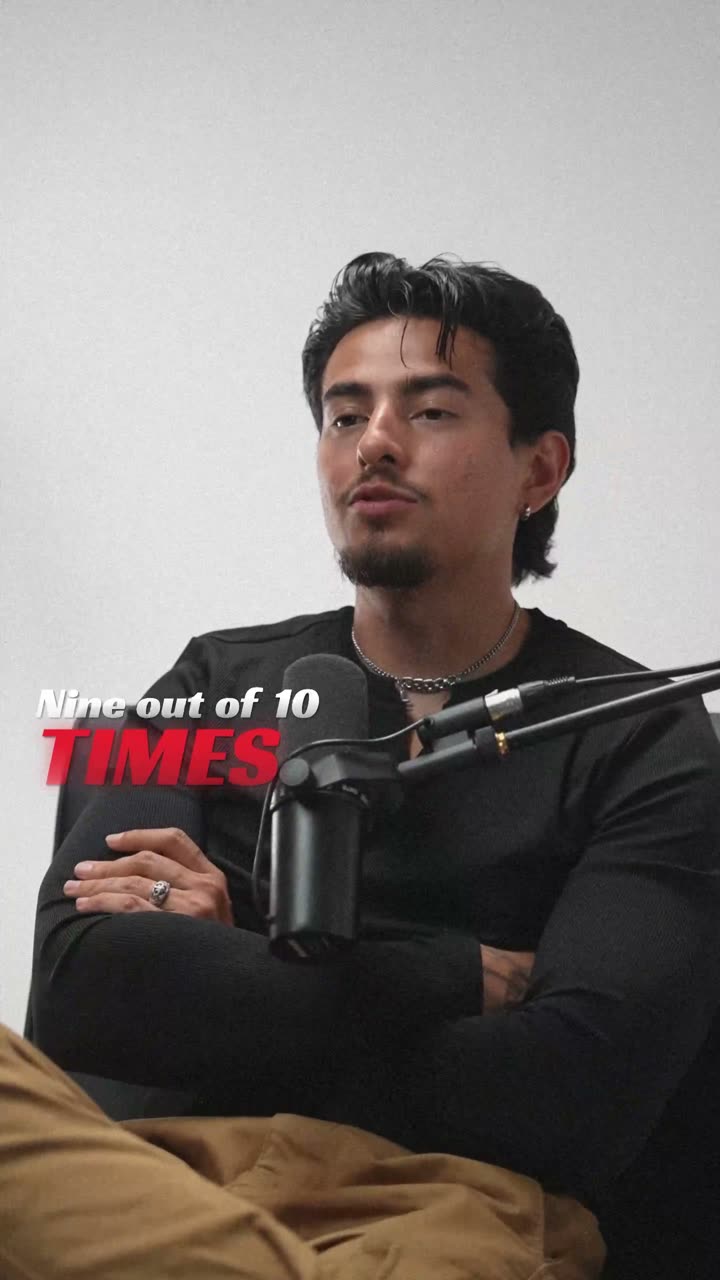
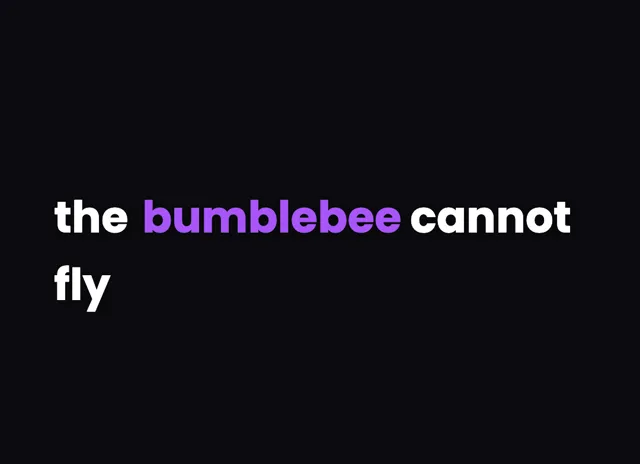
A style for your story
Curated fonts, color, and motion
From spoken words to styled captions
How to add Marathi captions
01 / Upload
Start with your video
Open the editor and upload the video you want to caption. Choose Marathi for transcription.
02 / Make it yours
Review and choose a style
Review the generated words, correct the details, and choose a caption style that fits your story.
03 / Share
Export your captioned video
Preview the timing and placement, then export your video with the captions included.
Made for your language
Marathi
मराठी
For Instagram Reels, YouTube, ShareChat
Transcription and timing
Marathi is transcribed by cloud AI, which returns accurate word-level timing in the Devanagari script.
Getting the script right
Marathi is written in Devanagari, where vowel signs (matras) and stacked conjuncts attach to a base consonant.
Beautiful by default
The right words. A look that's yours.
Keep it clean
Let the words do the talking.

Make a statement
Bold type for your biggest moments.
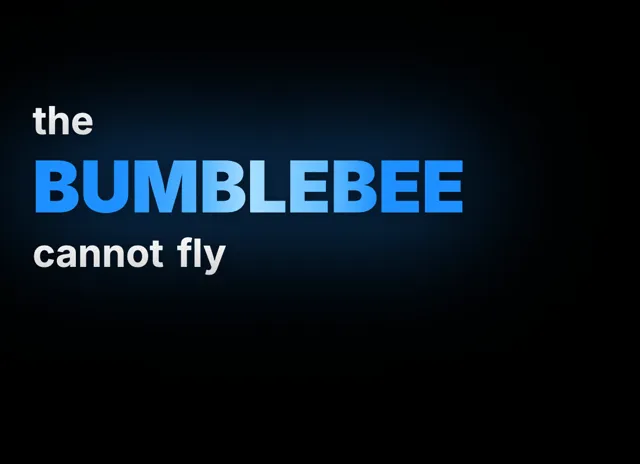
Give words presence
Emphasis that brings your story to life.
Style examples shown in English. Choose a font that supports your video's language.
Why Marathi creators need on-screen captions
Maharashtra has one of India's most active short-video communities, from Pune comedians to Mumbai food vloggers posting daily on Instagram Reels, YouTube, and ShareChat. Most of that audience watches on muted autoplay, so a video without captions simply scrolls past before a single word is heard.
Marathi creators also rarely speak in pure Marathi. A typical Reel mixes Marathi, Hindi, and English in the same sentence, saying something like 'हा look खूप छान आहे' without a second thought. On-screen captions capture that natural code-switching so viewers follow every punchline and product name.
Captions also make your content accessible to the wider Marathi diaspora and to learners who read faster than they listen. With videocaptions.ai the styling is beautiful by default, so your words look designed without any manual tweaking.
How the cloud AI reads मराठी and renders Devanagari
When you upload a Marathi clip, only the audio track is sent to our cloud AI, transcribed with accurate word-level timing, and then deleted. Everything else, from editing to final export, runs right inside your browser.
Devanagari is the tricky part, and the renderer handles it properly. Vowel signs, the matras that hang above, below, or beside a consonant, stay locked to their base letter, and stacked conjuncts like the 'स्क' in नमस्कार render as a single ligature rather than broken boxes.
Because timing is word-level, each Marathi word can animate on exactly as it is spoken. Half-letters and anusvara marks are preserved, so 'महाराष्ट्र' looks the way you would write it by hand, not clipped or reflowed awkwardly.
Styling Marathi captions so every matra stays crisp
For Marathi, pick a font with generous vertical space because Devanagari needs room above the headline line for matras and below it for trailing vowel signs. A cramped line height clips the top of an 'ी' or the bottom of a 'ृ', which instantly looks broken.
Keep each caption to three or four words so long conjunct clusters never overflow the safe area on a 9:16 Reel. The Build behavior, revealing one word at a time, suits storytelling, while Karaoke highlighting works beautifully for Marathi song covers and devotional content.
Use Spotlight to emphasize the punchline word in a bigger size or brand color. With animated caption effects and curated color presets, your Marathi captions look professionally designed straight away, no watermark on any plan.
Can it caption videos that mix Marathi, Hindi, and English?
Yes. The cloud AI is built for natural code-switching, so a sentence that jumps between Marathi, Hindi, and English words is transcribed in one pass. Each word keeps accurate timing, and you can fix any name or slang manually in the editor before export.
Will Devanagari matras and conjuncts render correctly?
They do. The caption renderer keeps every vowel sign attached to its base consonant and draws stacked conjuncts like 'स्क' as proper ligatures. Words such as नमस्कार and महाराष्ट्र appear exactly as written, with no broken boxes, clipped matras, or awkward gaps.
Is it really free to caption my Marathi videos?
You get 200 welcome credits at signup to try everything, including export. After that, the Creator plan is $7.99 per month and the Studio plan is $17.99 per month. There is no watermark on any plan, free or paid.
Which caption style works best for Marathi Reels?
For talking-head and comedy Reels, the Build behavior reveals words one by one to hold attention. For song covers or devotional clips, Karaoke highlighting tracks the active word. Spotlight then emphasizes your punchline word in a larger size or accent color.
Can I export subtitles as an SRT file?
Yes. Alongside MP4 export up to 4K resolution, paid plans let you download a standard SRT subtitle file. That makes it easy to upload separate Marathi captions to YouTube or repurpose the same transcript across other platforms and editing tools.
Your next video starts here
Start Creating Marathi Captions
Beautiful captions. Your words, your style.
Keep exploring