Captions in Gujarati
Gujarati captions, beautifully done.
Add polished Gujarati captions to your Reels and WhatsApp videos that look designed without any tweaking.
Create in your browser. Start for free.
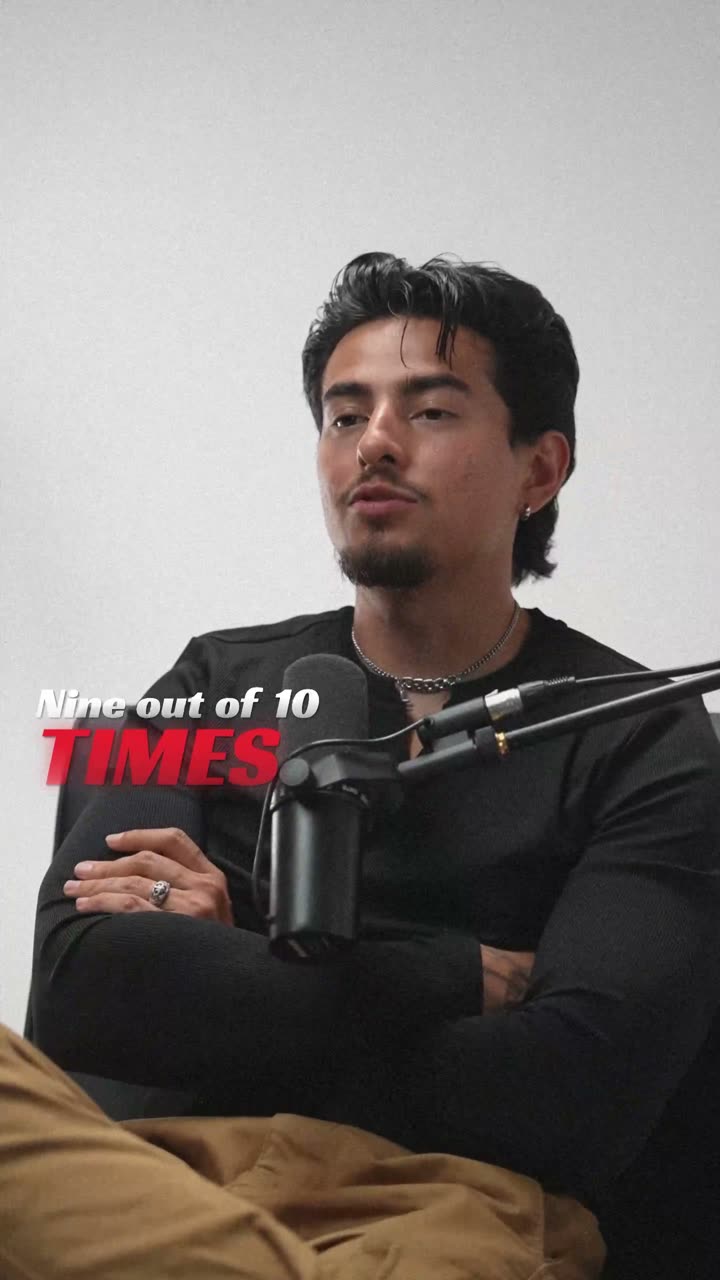
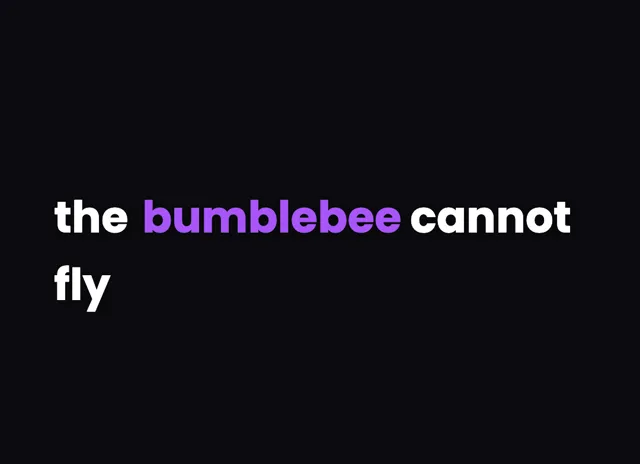
A style for your story
Curated fonts, color, and motion
From spoken words to styled captions
How to add Gujarati captions
01 / Upload
Start with your video
Open the editor and upload the video you want to caption. Choose Gujarati for transcription.
02 / Make it yours
Review and choose a style
Review the generated words, correct the details, and choose a caption style that fits your story.
03 / Share
Export your captioned video
Preview the timing and placement, then export your video with the captions included.
Made for your language
Gujarati
ગુજરાતી
For Instagram Reels, YouTube, WhatsApp
Transcription and timing
Gujarati speech is transcribed by cloud AI with accurate word-level timing in the Gujarati script.
Getting the script right
Gujarati script looks like Devanagari without the top headline stroke, giving it an open, rounded appearance.
Beautiful by default
The right words. A look that's yours.
Keep it clean
Let the words do the talking.
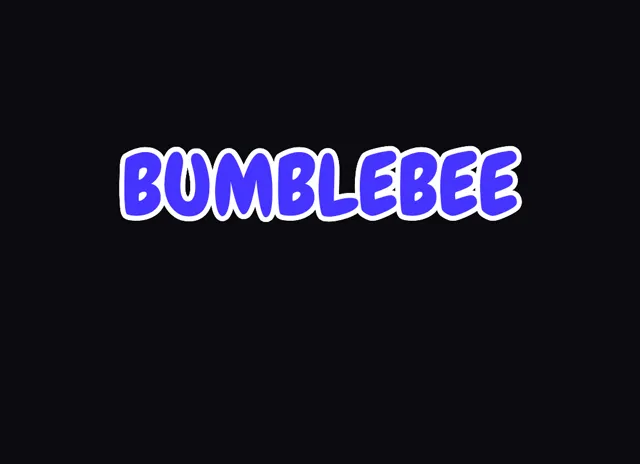
Make a statement
Bold type for your biggest moments.
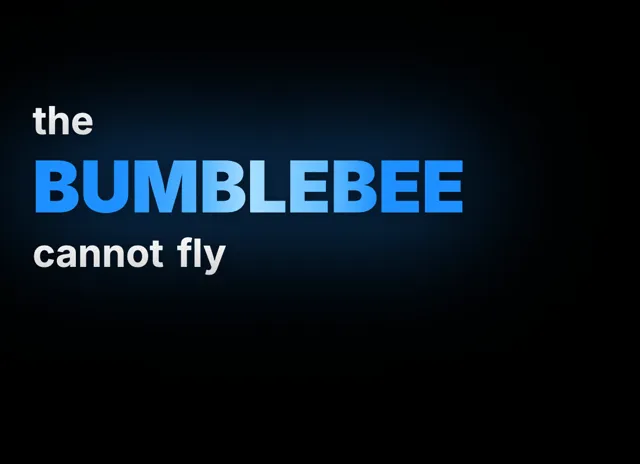
Give words presence
Emphasis that brings your story to life.
Style examples shown in English. Choose a font that supports your video's language.
Why Gujarati videos travel further with captions
Gujarat's creator economy runs on business tips, food, garba, and family vlogs, shared widely across Instagram Reels, YouTube, and, unusually, WhatsApp, where forwarded status videos reach relatives around the world. Captions make those forwards work even when a phone is on silent in a busy household.
Gujarati speakers switch effortlessly into English and Hindi, dropping lines like 'આ recipe એકદમ simple છે' into everyday talk. Hard-coded captions preserve that mix so the meaning and the brand names both survive.
Because so much Gujarati content is community-driven and re-shared, clean on-screen text also builds trust and recall. videocaptions.ai handles the styling for you, so your captions look beautiful by default rather than plain or generic.
How the cloud AI transcribes Gujarati script
When you start a project, only the audio track is uploaded to our cloud AI, which returns accurate word-level timing before the audio is deleted. Editing and final MP4 export then run entirely inside your browser.
Gujarati looks like Devanagari with the top line removed, which gives it rounded, open letterforms. The renderer keeps each vowel sign and matra attached to its base consonant, so a word like નમસ્તે keeps its conjunct intact instead of splitting into separate glyphs.
Anusvara dots, the chandrabindu, and stacked consonants all stay in place as words animate on screen. Because timing is per word, each Gujarati word can appear exactly when it is spoken, keeping the caption perfectly in sync with the speaker.
Styling Gujarati captions for Reels and forwards
Gujarati's rounded letters read well at larger sizes, so do not be shy with your caption size on a 9:16 Reel; just keep enough line height for the vowel signs that sit above and below each word. A clean, medium-weight font keeps things friendly and legible.
Limit each caption to three or four words so conjunct clusters never spill past the safe area, which matters for videos re-shared to WhatsApp on small screens. The Flash behavior suits punchy quotes, while Build reveals words one by one for recipes and tutorials.
Use Spotlight to highlight a price, a product, or a key phrase in your accent color. With animated caption effects and curated presets, your Gujarati captions look professionally finished with no manual design work.
Can it caption Gujarati mixed with English or Hindi?
Yes. The cloud AI is designed for code-switching, so a sentence like 'આ recipe એકદમ simple છે' transcribes in one pass with accurate timing on every word. You can then edit any product name or spelling in the browser before exporting.
Does Gujarati script render without broken letters?
It does. The renderer keeps every matra and vowel sign bound to its base consonant and draws conjuncts as single glyphs, so words like નમસ્તે and ગુજરાત appear correctly. Anusvara dots and stacked consonants stay exactly where they belong.
Are these captions good for WhatsApp status videos?
Very much so. Exports are standard MP4 up to 4K, which plays fine as a WhatsApp status or forward. Short, high-contrast Gujarati captions stay readable on small screens, and there is no watermark on any plan, so re-shared clips still look clean.
What does it cost to make Gujarati captions?
You start with 200 welcome credits at signup to try the full flow, including export. After that, the Creator plan is $7.99 per month and the Studio plan is $17.99 per month, both billed monthly with high-quality output.
Which caption behavior works best for recipe videos?
For step-by-step recipes and tutorials, the Build behavior reveals words one at a time so viewers follow each instruction. For short quotes or promos, Flash shows the whole line at once, and Spotlight lifts a price or product in your brand color.
Your next video starts here
Start Creating Gujarati Captions
Beautiful captions. Your words, your style.
Keep exploring