Captions in Nepali
Nepali captions, beautifully done.
Turn Nepali audio into designed captions with Devanagari rendered cleanly for creators at home and in the diaspora.
Create in your browser. Start for free.
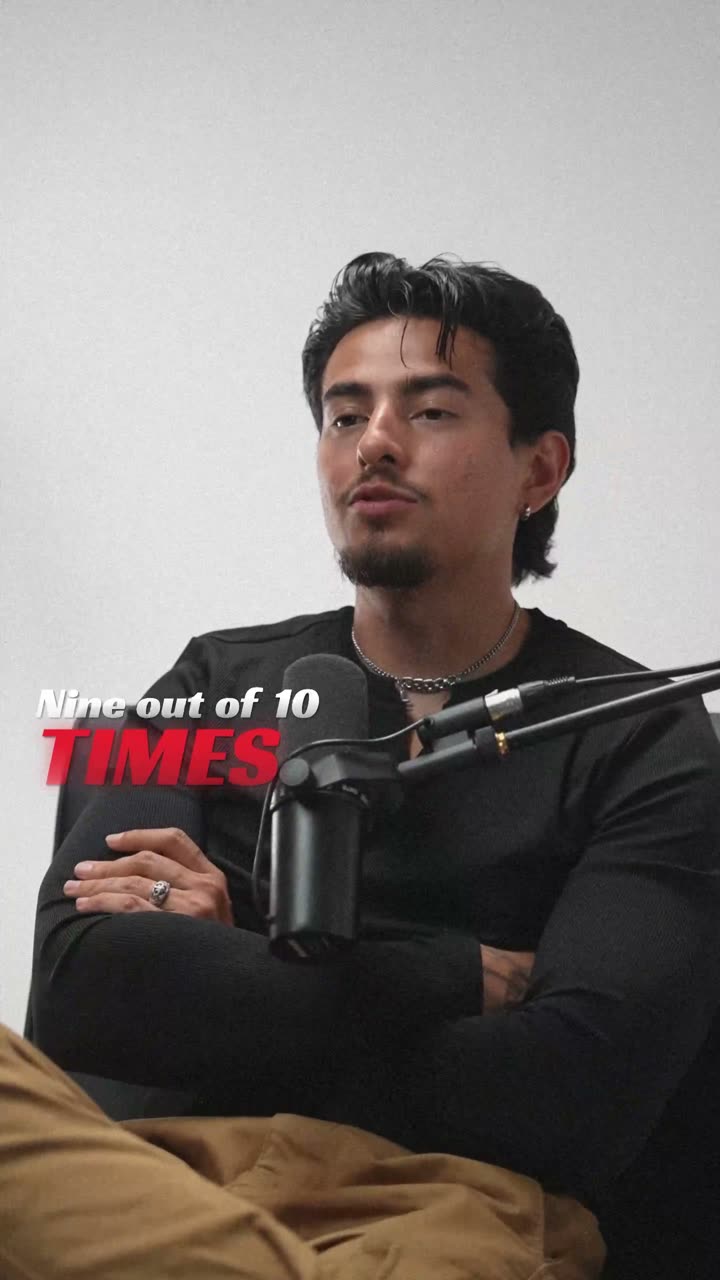
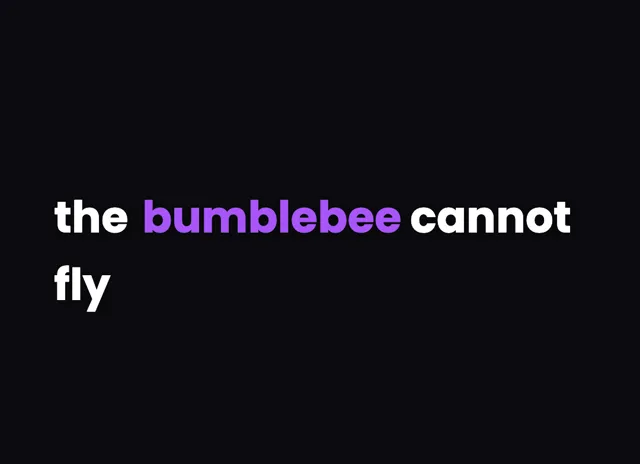
A style for your story
Curated fonts, color, and motion
From spoken words to styled captions
How to add Nepali captions
01 / Upload
Start with your video
Open the editor and upload the video you want to caption. Choose Nepali for transcription.
02 / Make it yours
Review and choose a style
Review the generated words, correct the details, and choose a caption style that fits your story.
03 / Share
Export your captioned video
Preview the timing and placement, then export your video with the captions included.
Made for your language
Nepali
नेपाली
For Instagram Reels, YouTube, TikTok
Transcription and timing
Nepali speech is transcribed by cloud AI, returning word-level timestamps so each Nepali word lines up with the audio.
Getting the script right
Nepali is written in Devanagari, where vowel signs known as matras attach above, below, and beside each consonant.
Beautiful by default
The right words. A look that's yours.
Keep it clean
Let the words do the talking.
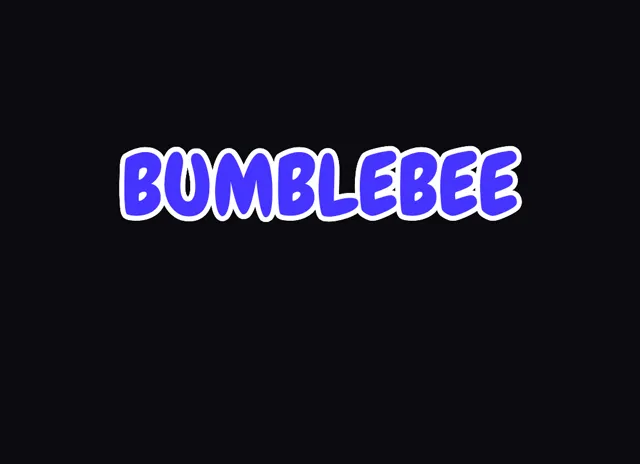
Make a statement
Bold type for your biggest moments.
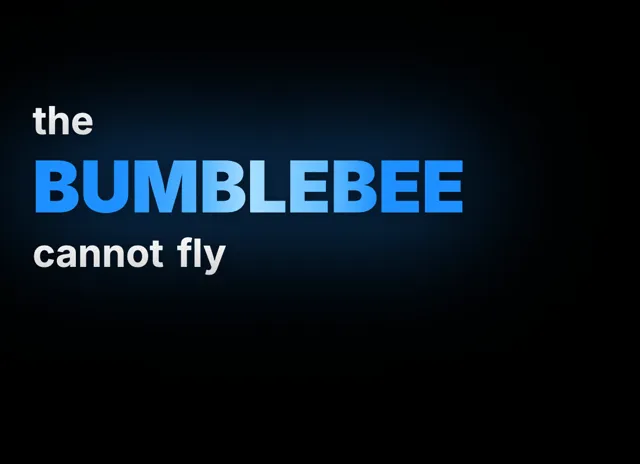
Give words presence
Emphasis that brings your story to life.
Style examples shown in English. Choose a font that supports your video's language.
Nepali captions for creators at home and abroad
Nepali connects a large audience inside Nepal and a wide diaspora spread across the Gulf, the UK, Australia, and North America. That split matters for creators, because a Reel or TikTok in Nepali is often watched far from home by viewers scrolling on mute during a work break. On-screen captions are what carry the message across that distance.
Captions also widen who can follow along. Second-generation viewers in the diaspora may understand spoken Nepali better than they read it, so clear timed text helps them stay with a vlog or a comedy clip they would otherwise drop.
Nepali is written in Devanagari, so the rendering has to handle matras, the vowel signs that attach around each consonant, along with stacked conjuncts. A word like नेपाली needs those marks placed cleanly to read right. videocaptions.ai draws them correctly, so captions look sharp on a phone rather than cramped or clipped.
From Nepali speech to synced on-screen text
Everything runs in the browser, and only your audio is uploaded for transcription before it is deleted. Cloud AI transcribes your Nepali and returns word-level timestamps, so each word appears exactly when it is spoken rather than trailing the voice.
Nepali content is full of code-switching. Diaspora vloggers slide between Nepali, English, and sometimes Hindi within a single sentence, and the transcription follows that mix instead of dropping the words it does not expect. That keeps captions honest to how people actually speak on camera.
Rendering is tuned for Devanagari. Matras are kept attached to the correct consonants, and stacked conjuncts are placed so nothing collides or vanishes. Because the exact same layout logic drives both the live preview and the final render, the timing and shaping you set while editing are what land in the exported MP4, with no surprises between preview and download.
Styling Nepali captions that look designed
Beautiful by default is the core idea. Choose a template and the fonts, colors, and motion are already balanced for Nepali, so your captions look produced without any manual tuning. From there you shape the energy to suit the clip.
The animated caption effects cover every mood. Flash drops a full line for punchy edits, Build reveals words in time with the narration, Pop surfaces one word at a time for fast hooks, and Karaoke highlights the active word as you speak, which suits Nepali music and poetry reels. Spotlight adds per-word emphasis to make a key line stand out.
Because Devanagari stacks marks above and below the base line, give captions a little extra line spacing so matras and conjuncts stay legible on small screens. Export MP4 up to 4K, add SRT captions on a paid plan, and there is no watermark on any plan.
Is this good for Nepali diaspora creators?
Very much so. Timed captions help diaspora viewers who understand spoken Nepali better than they read it, and they keep muted, phone-first audiences engaged on Reels, YouTube, and TikTok. Every template is styled to look designed with no manual tweaking.
Does it render Nepali Devanagari matras cleanly?
Yes. Nepali uses Devanagari, and the app keeps matras and stacked conjuncts attached to the correct consonants so nothing collides or drops. What you see in the preview is exactly what appears in your exported MP4.
Can it follow Nepali mixed with English and Hindi?
Yes. Nepali vlogs, especially from the diaspora, switch between Nepali, English, and sometimes Hindi mid-sentence. The cloud AI transcription follows that natural code-switching rather than dropping unexpected words, so captions read the way people genuinely speak.
How does the app keep Nepali captions in sync?
Cloud AI transcribes your Nepali audio and returns word-level timestamps. Each word is pinned to when it is spoken, so captions stay locked to your voice and never drift ahead or behind on screen.
What is included for free?
You get 200 welcome credits at signup, a one-time bonus to try the full editor. There is no watermark on any plan. Paid plans start at Creator for $7.99 a month and Studio at $17.99 a month.
Your next video starts here
Start Creating Nepali Captions
Beautiful captions. Your words, your style.
Keep exploring