Captions in Punjabi
Punjabi captions, beautifully done.
Give your Punjabi Reels crisp Gurmukhi captions that look studio-designed without any manual styling.
Create in your browser. Start for free.
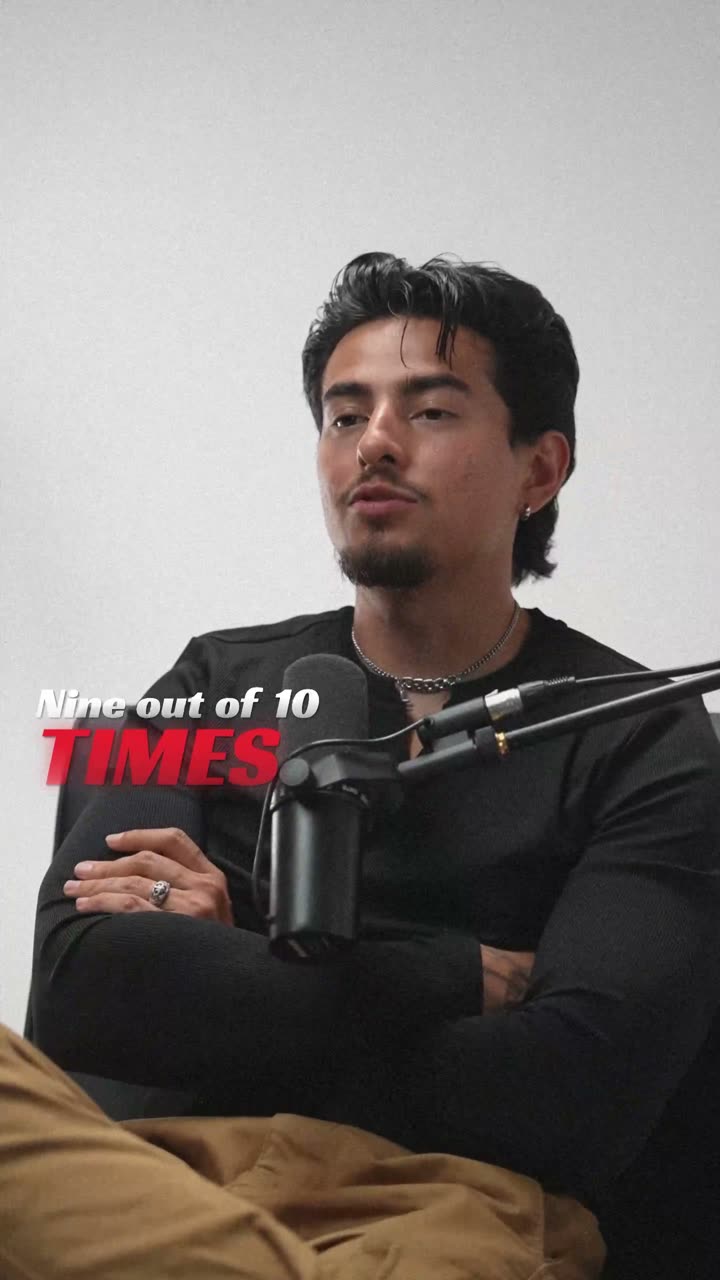
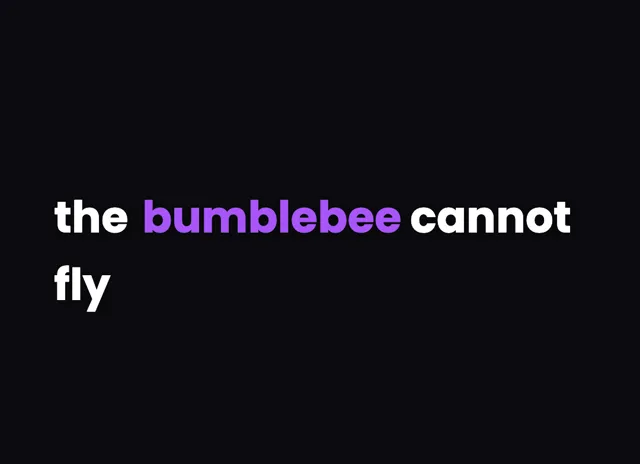
A style for your story
Curated fonts, color, and motion
From spoken words to styled captions
How to add Punjabi captions
01 / Upload
Start with your video
Open the editor and upload the video you want to caption. Choose Punjabi for transcription.
02 / Make it yours
Review and choose a style
Review the generated words, correct the details, and choose a caption style that fits your story.
03 / Share
Export your captioned video
Preview the timing and placement, then export your video with the captions included.
Made for your language
Punjabi
ਪੰਜਾਬੀ
For Instagram Reels, YouTube
Transcription and timing
Punjabi audio is transcribed by cloud AI, producing accurate word-level timing in Gurmukhi script.
Getting the script right
Punjabi uses the Gurmukhi script, recognisable by the continuous horizontal headline stroke that runs across the top of each word.
Beautiful by default
The right words. A look that's yours.
Keep it clean
Let the words do the talking.

Make a statement
Bold type for your biggest moments.
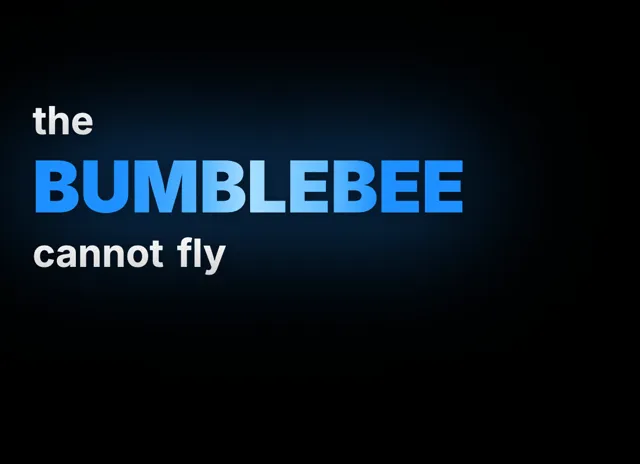
Give words presence
Emphasis that brings your story to life.
Style examples shown in English. Choose a font that supports your video's language.
Why captions carry Punjabi content worldwide
Punjabi content travels far beyond Punjab. Creators in Amritsar, Chandigarh, Delhi, Toronto, and London post music, comedy, and vlogs to a global audience on Instagram Reels and YouTube, and that audience is famously vocal in the comments. Captions keep first-time and diaspora viewers engaged even when the sound is off.
Real Punjabi speech is rarely monolingual. A creator will slide between Punjabi and English mid-sentence, saying 'ਇਹ song ਬਹੁਤ vibe ਹੈ', and hard-coded captions capture that switch so nothing gets lost.
On muted autoplay, which is how most Reels are first seen, on-screen text is what stops the scroll. videocaptions.ai makes those captions beautiful by default, so your Punjabi videos look designed from the very first frame.
How the cloud AI transcribes Punjabi and draws Gurmukhi
Upload a clip and only its audio track leaves your device, going to our cloud AI for transcription with accurate word-level timing before it is deleted. The rest of the work, editing and MP4 export, happens in your browser.
Gurmukhi has a signature feature: the long headline stroke, the horizontal line that connects the letters of a word across the top. The renderer draws that stroke continuously, so words like ਸਤਿ ਸ੍ਰੀ ਅਕਾਲ read cleanly instead of appearing as disconnected letters.
Vowel signs that sit above and below the line, along with subjoined characters, stay anchored to the correct consonant, so your Punjabi captions never look fractured or misaligned as each word animates in.
Styling tips for high-energy Punjabi Reels
Gurmukhi sits on that bold top stroke, so give your captions enough line height that the headline line never touches the row above it. A font with an even, confident stroke weight suits Punjabi's rhythm, especially for high-energy music content.
Keep lines short, three or four words, so the safe area of a vertical Reel is never crowded. For bhangra and music videos, Karaoke highlighting synced to the beat feels natural, while the Pop behavior, one word at a time, lands comedy punchlines hard.
Add Spotlight to lift a key word in your brand color, and lean on the animated caption effects and curated palettes so everything looks intentional. Free to start, in your browser, no watermark on any plan.
Does it handle Punjabi mixed with English?
Absolutely. The cloud AI transcribes natural code-switching, so a line like 'ਇਹ song ਬਹੁਤ vibe ਹੈ' comes through in a single pass. Every word keeps accurate timing, and you can correct any name or lyric by hand before exporting your video.
Will the Gurmukhi headline stroke render properly?
Yes. The renderer draws the continuous top stroke that defines Gurmukhi, so words connect the way they should rather than breaking into loose letters. Vowel signs above and below the line, plus subjoined characters, all stay locked to the correct consonant.
How much does Punjabi captioning cost?
Signing up gives you 200 welcome credits to try transcription, styling, and export. After those, the Creator plan costs $7.99 per month and the Studio plan costs $17.99 per month, both billed monthly with full-quality export and no per-video charges.
What caption style suits Punjabi music videos?
For bhangra and songs, Karaoke highlighting follows the active word in time with the beat, which viewers love. For comedy or dialogue, the Pop behavior shows one word at a time for sharp timing, and Spotlight lifts your key word in an accent color.
Can I use this without installing software?
Yes, it runs entirely in your browser. There is nothing to download and no app to install. Only the audio is uploaded for transcription and then deleted, while editing and export happen locally, letting you produce Punjabi captions on almost any laptop.
Your next video starts here
Start Creating Punjabi Captions
Beautiful captions. Your words, your style.
Keep exploring