
Tools for creators
A small, opinionated toolkit that runs entirely on your device. Beautiful output by default, nothing to install, and no signup to try.
FreeNo signupRuns in your browser
Background Remover
ImageTransparent PNG in one click. Runs locally via WebGPU, never uploads your image.

Text Behind Image
ImagePlace bold text behind the subject of any photo. Automatic cutout, styled in seconds.
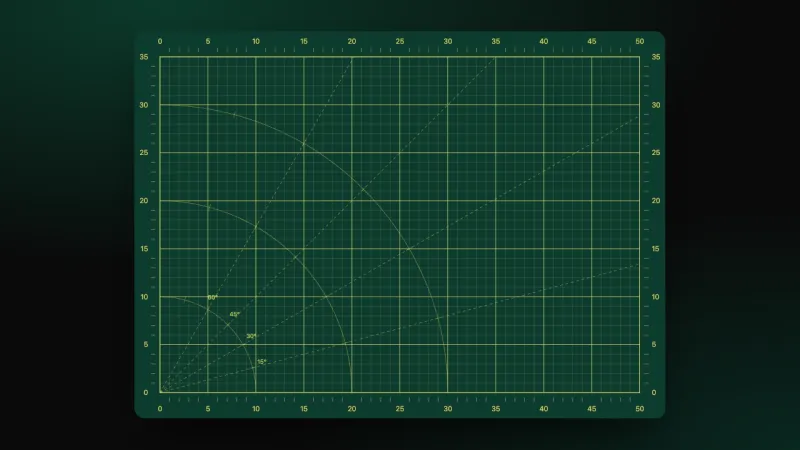
Cutting Mat Generator
ImageGenerate a self-healing cutting mat background in any color. Export as crisp SVG or 4K PNG.
Newspaper Cutout Generator
ImageTurn any image into a torn newspaper article with a custom headline. Halftone print, tape, and ripped edges.
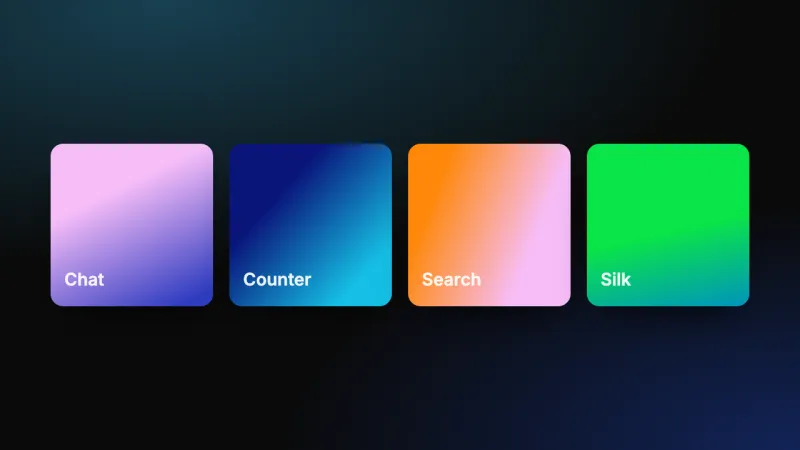
Motion Elements
MotionPhone mockups, chat bubbles, counters, and animated backgrounds. Customize one live and export it as MP4.
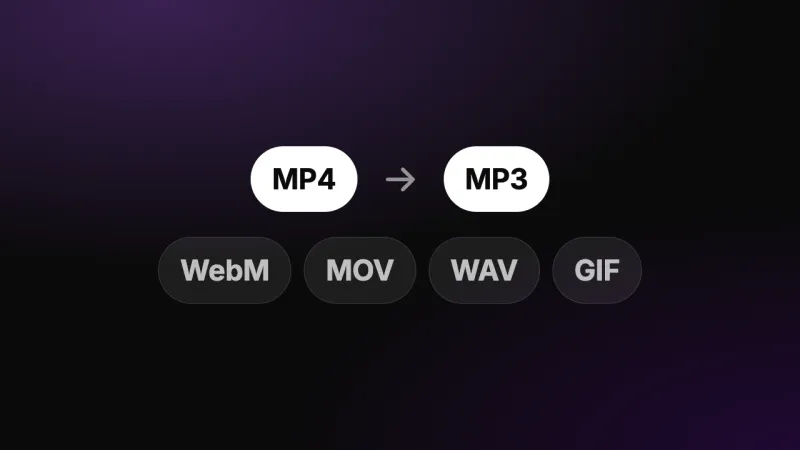
Convert Video
MediaSwitch between MP4, WebM, MOV, MP3, WAV, and more without leaving the browser.
Trim, Split & Merge
MediaCut, split, and merge video or audio on a frame-accurate visual timeline.
Remove Silence
MediaAuto-detect and strip silent sections from video or audio. Tunable threshold.
Video to Text
AITranscribe video or audio to text with AI. Word-accurate timestamps, 99+ languages, download as TXT, SRT, or VTT.
YouTube Transcript Generator
AIPaste a YouTube link and get the full transcript in seconds. Copy it or download TXT and SRT. No signup.
Caption Builder
AIGenerate, style, and export word-by-word captions for any video. Open the editor.
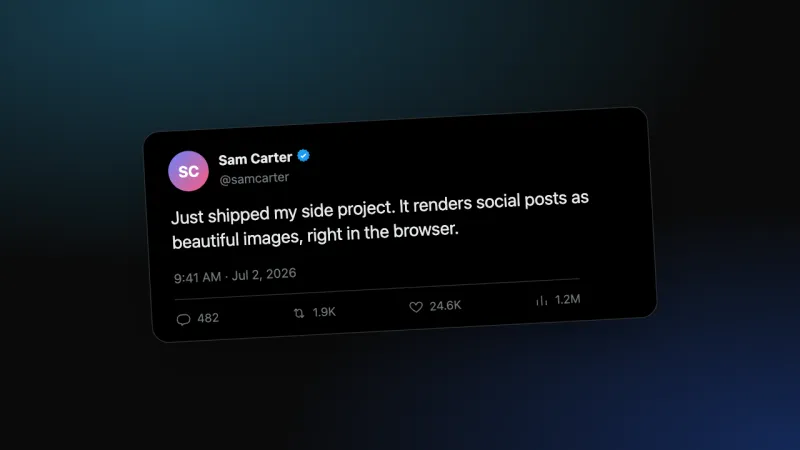
Social Post Generator
SocialTurn Twitter/X and Reddit posts into clean, styled images. Custom text, avatars, and metrics.
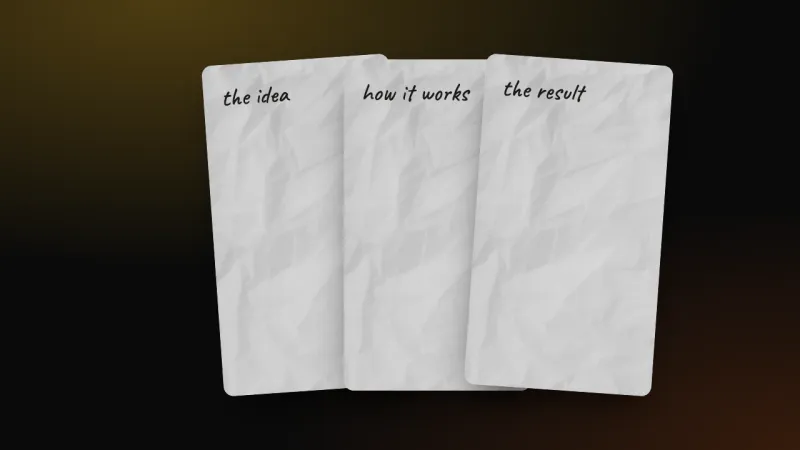
Instagram Carousel Maker
SocialMake handwritten Instagram carousels: notes on paper, screenshots, and hand-drawn arrows and circles. Export 4:5, 1:1, or 9:16 PNGs.
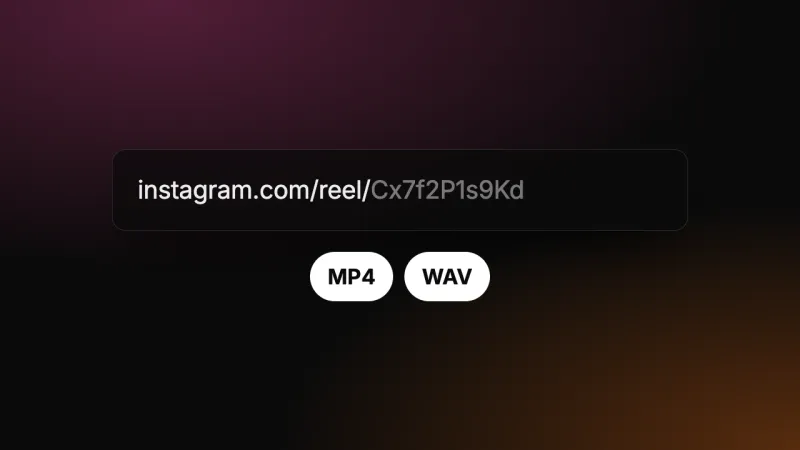
Instagram Downloader
SocialPaste a reel or post URL to download the video as MP4, or extract the audio as WAV for captioning.
Looking for acaption builder?
The same team builds videocaptions.ai. Add animated captions to a Reel, a Short or a TikTok in about a minute.
Add captions to a videoHow these tools work
Every tool here processes your files locally in the browser. The background remover runs on WebGPU, and the converter and trimmer use your device's WebCodecs engine.
- 01
Nothing leaves your device
Files are decoded and re-encoded in the browser, so there is no upload step and no queue.
- 02
Designed output by default
Sensible presets, so the first result already looks like something you would ship.
- 03
They pair with the caption builder
Trim a clip, cut the silence, convert the format, then add word-by-word animated captions.